Challenge Description
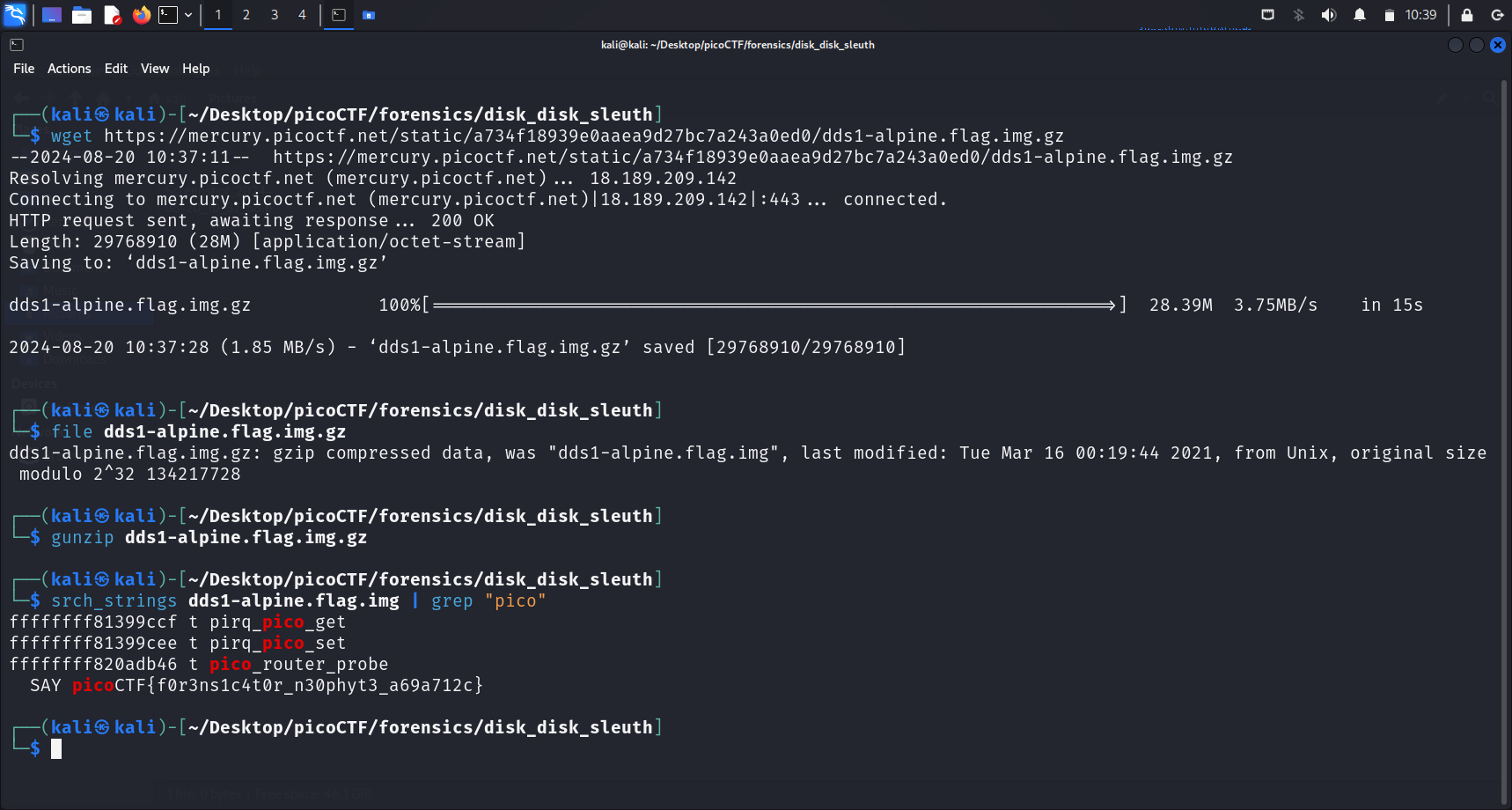
This seems like a straightforward The Sleuth Kit (TSK) challenge. As per normal, we begin by downloading the compressed disk image using wget, and then expand the file using gunzip.
The Flag
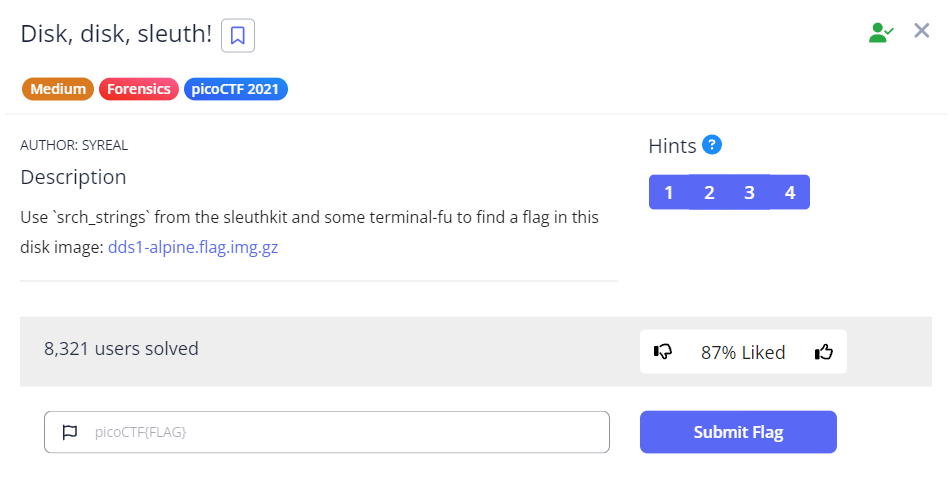
PicoCTF Challenge Description Clue
The description instructed us to use
srch_stringsfrom The Sleuth Kit (TSK) to find the flag.srch_stringsdisplays printable strings in files. This is similar tostringsbutsrch_stringsis a The Sleuth Kit (TSK) command that can provide additional functionality such as offset information of found strings.It can also handle raw disk images and other file system-specific data structures, which are common in forensic investigations.
Running srch_strings <file-name> | grep "pico" successfully gives us our flag.
Flag
picoCTF{f0r3ns1c4t0r_n30phyt3_a69a712c}
Similar
- Disk Disk Sleuth II: harder version, uses
flsandicatto locate a specific file in a disk image - Sleuthkit Intro: introductory Sleuth Kit challenge using
mmls - Sleuthkit Apprentice: uses
mmls,fls, andicatfor disk image analysis - Operation Oni: uses
flsandicatto extract an SSH key from a disk image - Operation Orchid: uses
flsandicatto find and decrypt an encrypted flag file