Challenge Description
PicoCTF Hint: What is a hex editor?
The hint references a hex editor, but strings is a faster approach here. The flag is not visually embedded in the image. It is appended as raw text after the image data, which is why viewing the image normally doesn’t reveal it.
Why does
stringswork on image files?
stringsscans binary files and prints any sequence of printable characters that is at least 4 characters long (by default). Image files like.jpgmostly contain binary pixel data, but any plaintext (such as metadata, comments, or hidden messages) will be found and printed. Flags appended directly to an image file show up this way.
This is a very straightforward challenge. After downloading the file, I just ran strings <file-name>, and the flag was shown instantly.
Strings example output
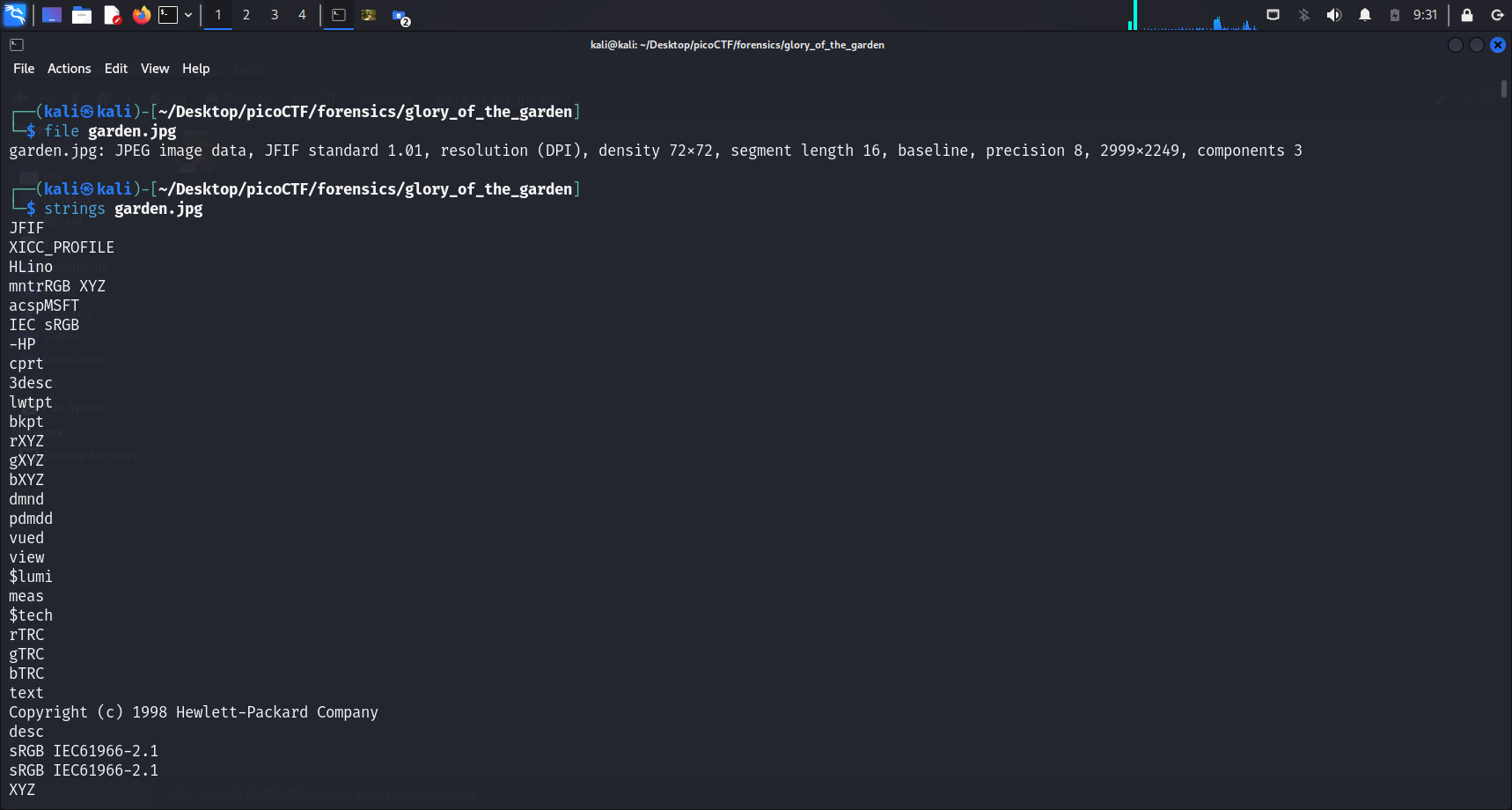
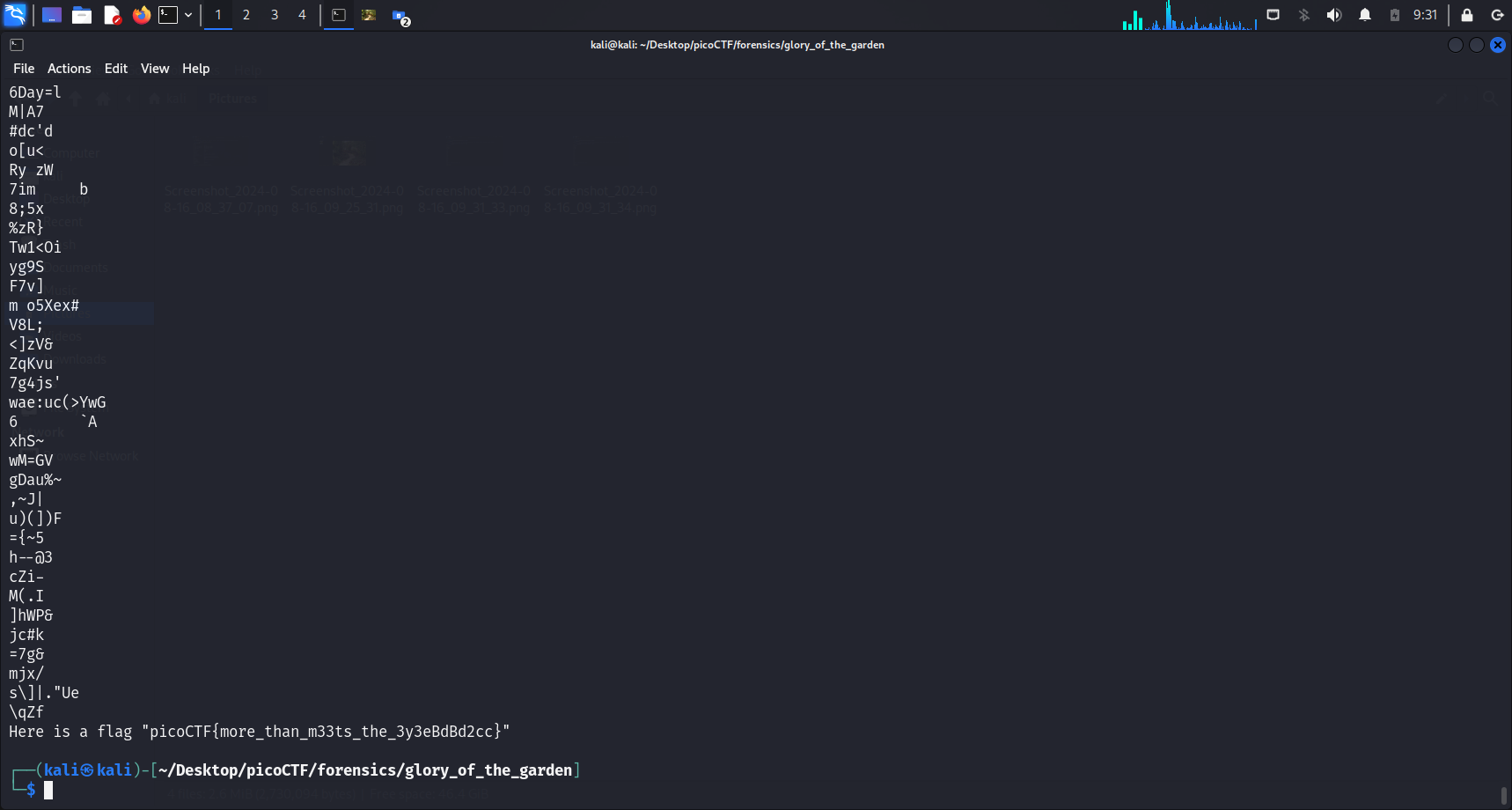
Since the flag was the last line displayed, I did not have to use grep as well. In larger files, pairing with grep helps narrow the output:
strings <file-name> | grep "pico"Flag
picoCTF{more_than_m33ts_the_3y3eBdBd2cc}
Similar
- strings it: uses
stringson a binary to find the flag - Wave a flag: uses
stringson a binary to find the flag - Static ain’t always noise: uses
stringson a binary, also examines a disassembly script