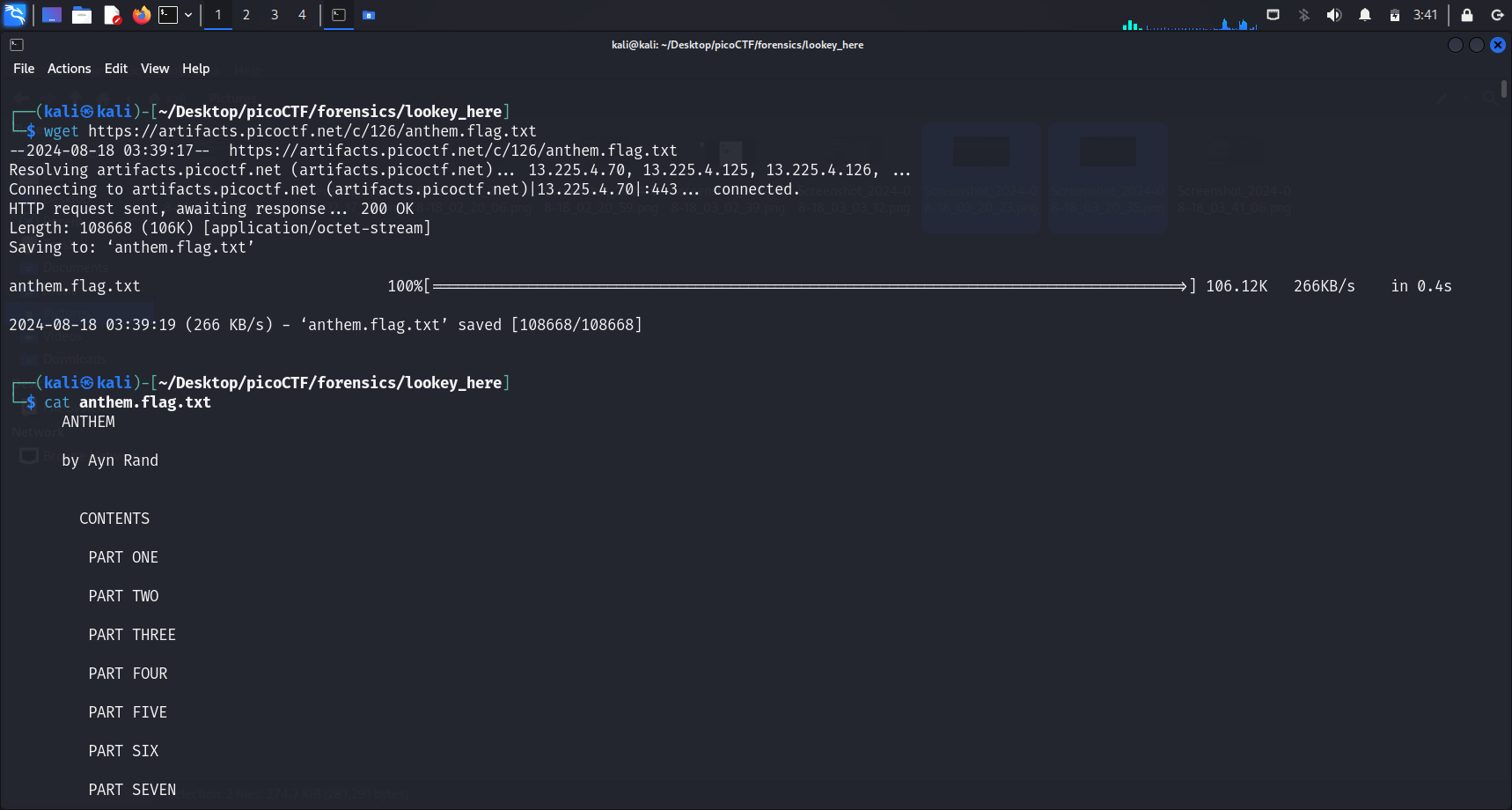
We begin by downloading the file using wget. We realise that the file provided is a text file. Based on the description, this text file is likely to be text-heavy.
Indeed, running cat <file-name> here displays a large block of text in the terminal. Let’s look for more clues.
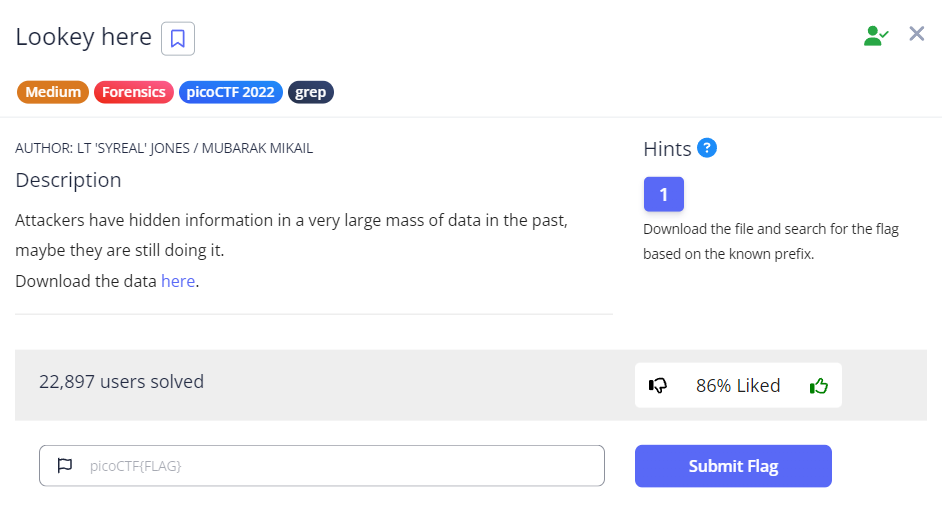
PicoCTF Hint: Download the file and search for the flag based on the known prefix.
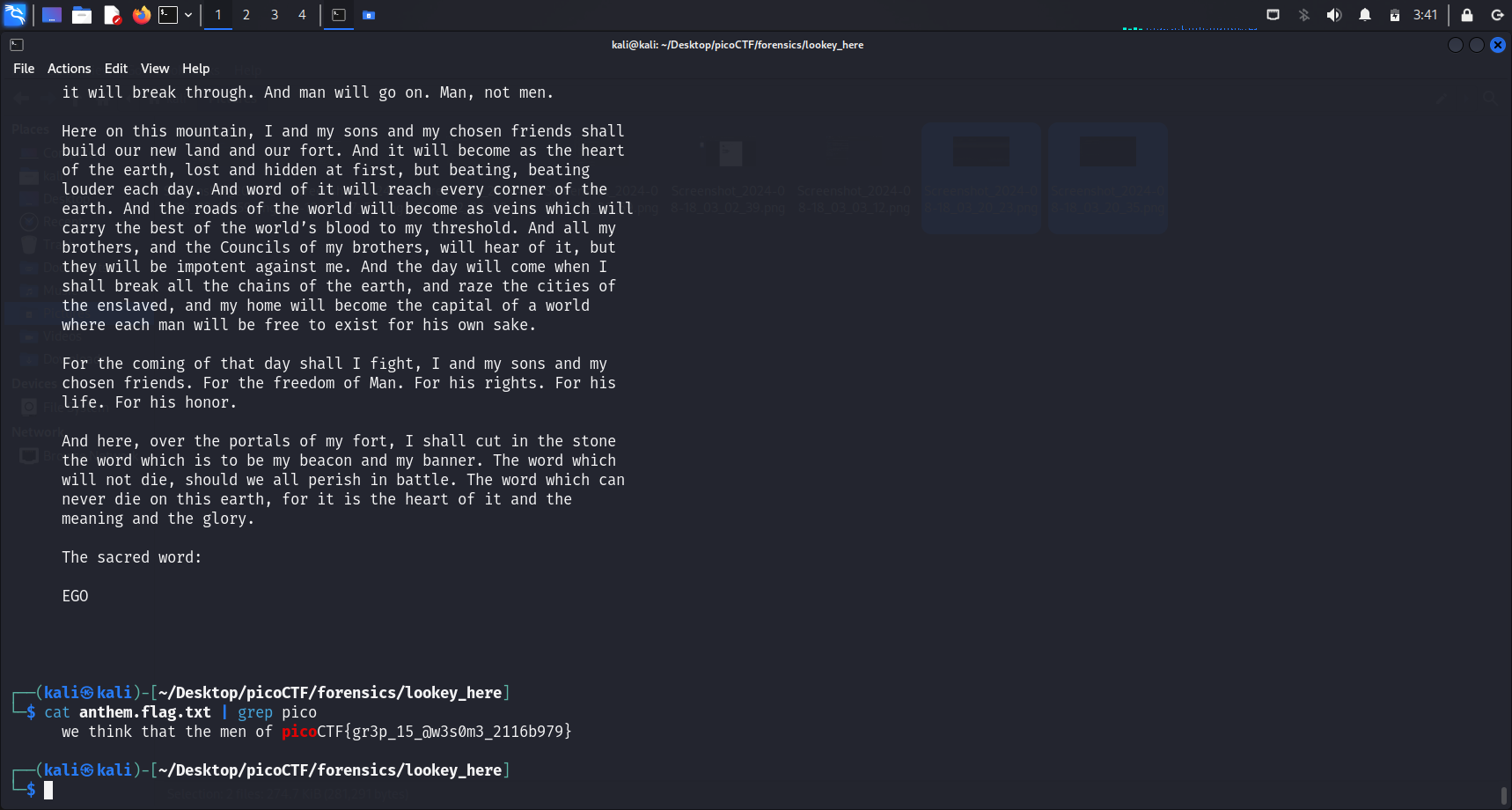
Based on the hint, it seems like we will have to search for the flag using grep pico, since the common flag format for PicoCTF challenges is picoCTF{...}.
grep basics
grep (Global Regular Expression Print) searches through text line by line and prints lines that match the given pattern. For this challenge:
grep "picoCTF" <file-name>
This scans the text file and outputs only the line(s) containing the flag prefix picoCTF. The -n flag can be added to also show the line number where the match was found.
Indeed, doing that reveals our flag.
Flag
picoCTF{gr3p_15_@w3s0m3_2116b979}
Similar
Big Zip: uses grep -r to recursively search hundreds of directories for the flag